
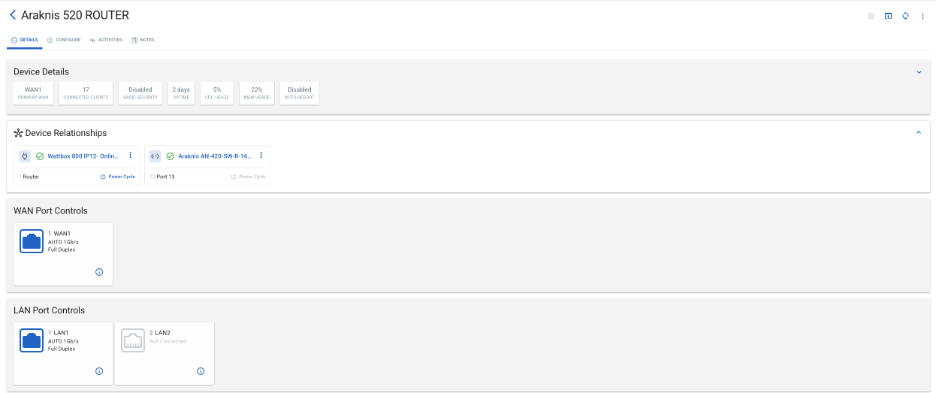
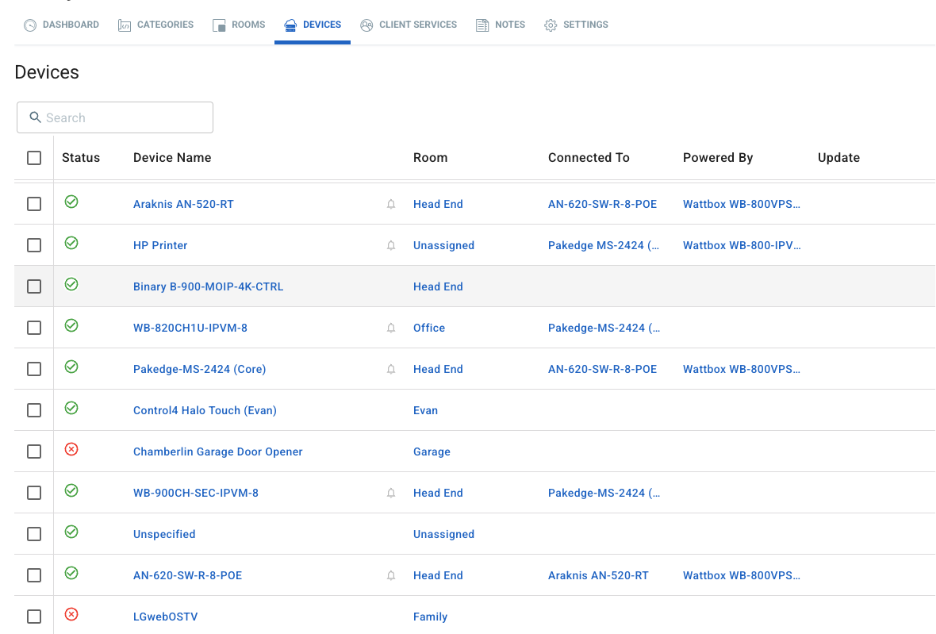
With Device Connection Relationships, OvrC now empowers integrators with a comprehensive and intuitive way to visualize and manage device connections throughout their power and network setup. This enhancement brings significant improvements to troubleshooting, device management, and sets the stage for even smarter automation in the future.
What Are Device Connection Relationships?
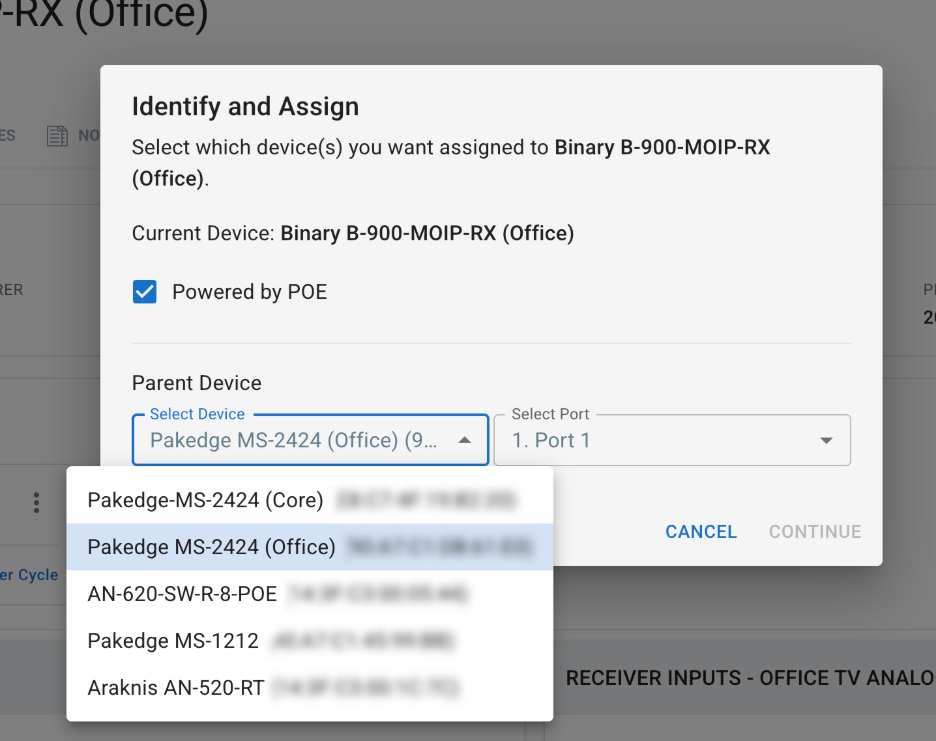
Device Connection Relationships allows integrators to map both power and network connections for supported Araknis, WattBox, and Pakedge devices. By defining which outlet or switch port a device is connected to, integrators can:
This results in accurate connection mapping, streamlined workflows, and lays the foundation for additional capabilities moving forward.
How It Works
OvrC tracks and displays two types of connections for each device:
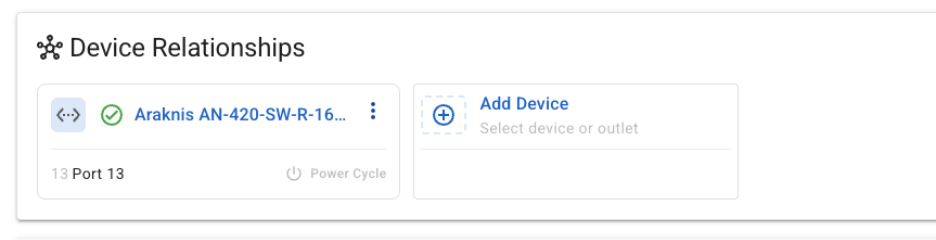
On new Araknis X20 switches, these relationships are automatically mapped using traffic analysis and MAC address tracking; no manual setup required. For legacy switches (like Araknis X10 and Pakedge MS) or others), integrators can manually define these relationships for full visibility.
Once mapped, these relationships appear directly on the device’s page, making troubleshooting and control actions fast and intuitive.
Why This Matters
Ready to get started? Learn how to configure Device Connection Relationships and discover how automatic mapping works in the OvrC Manual.