The new OvrC is faster, optimized for mobile and provides more information than ever before.
Today, SnapAV released a major evolution to OvrC® and added support for Pakedge® products, firmly establishing the platform as the industry-leading remote management and monitoring service for pros. Hundreds of enhancements across all aspects of the platform make OvrC faster, easier to use, and provide critical information at a glance, all within a powerful mobile app or web-based interface. With the expanding support for Pakedge, OvrC includes one of the largest ecosystems of integrated products from both SnapAV and leading third-party manufacturer.
The new OvrC mobile app for iOS and Android is now a fully featured app, delivering the same functionality as the web app.This enables pros to support customers from anywhere, whether they’re behind a rack, on the road, or at the office. New mobile features include the ability to add customers, view a map of all customer sites, configure site and device settings such as wireless SSIDs, guest networks, DHCP reservations, and program automatic reboots with WattBox products, to name a few.
This will require installing our new app which is available today. You can download it from the Apple App Store or Google Play Store.
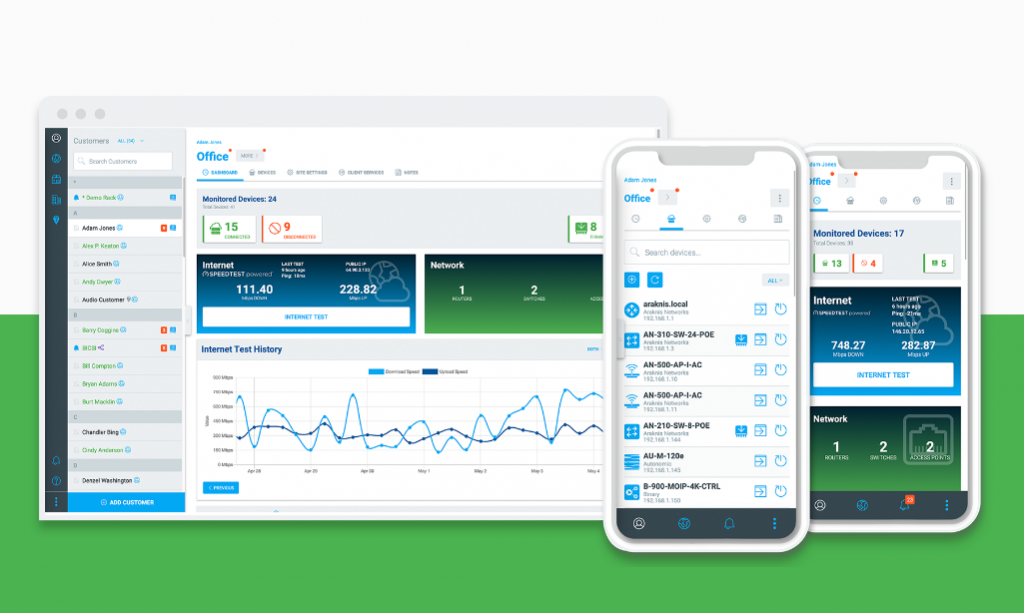
Every aspect of the new OvrC has been engineered for performance with hundreds of enhancements throughout. Now, it’s even easier for Pros to install quickly, monitor connected devices, and troubleshoot a customer’s system upon request. A new, modern design provides more information at-a-glance, giving pros quick access to the status of a project or a device. The interface is fully responsive, loading twice as fast and dynamically adapting the layout to utilize all available space on the screen.
We made hundreds of improvements. Some notable ones are the following:
As with all new technology, some old technology needs to be retired. The new version of OvrC is no longer compatible with Microsoft’s Internet Explorer. Additionally, only the most recent version of Microsoft Edge (Chromium-enabled) will work. We determined that based on their limited support by Microsoft and the overall impact to speed and performance of the OvrC app, they would not be supported. If you encounter any issues with pages loading while using these browsers, try using Chrome or Firefox instead, or updating to the most recent version of Edge.
The Easy Wi-Fi Setup feature that was available in the legacy version of OvrC will not be available in the new version as we look to dramatically improve this feature in the near future (stay tuned for details). Easy Wi-Fi Setup is used to configure SSIDs on multiple access points from a single screen, adding efficiency to setting up Araknis access points. As a temporary solution, we have provided a link in the new OvrC to the legacy OvrC so that this feature is still available. (legacy.ovrc.com). By clicking on “OVRC Legacy in the left hand menu, you will be taken to the old OvrC login.

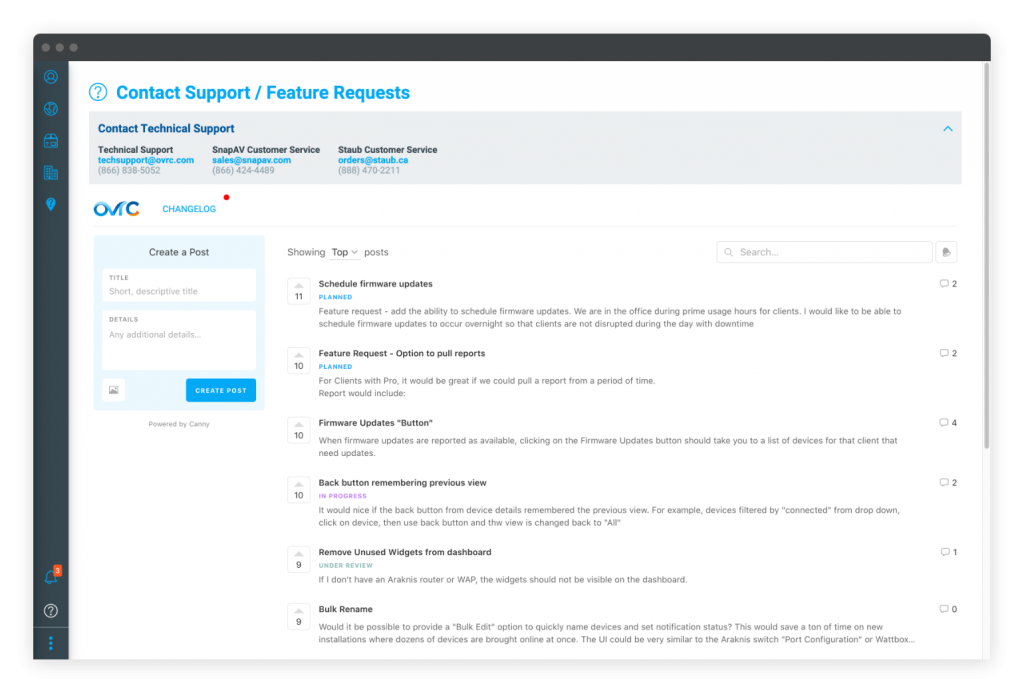
This massive improvement to OvrC was driven by our customers. Many of the new features were ideas and feedback that we received from dealers through email and conversations over the years. Now, we have added the ability for feedback to be given directly from the application. By clicking on the Help/Feedback button in the left-hand menu, you are given direct access to our development team. You can review and “up vote” shared ideas or issues. We use this tool to identify new features and fixes. As always, we continue to evolve our product based on your feedback.