
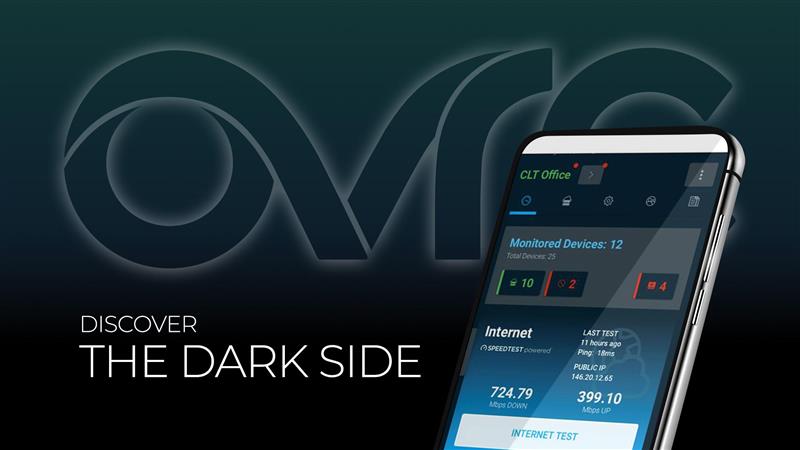
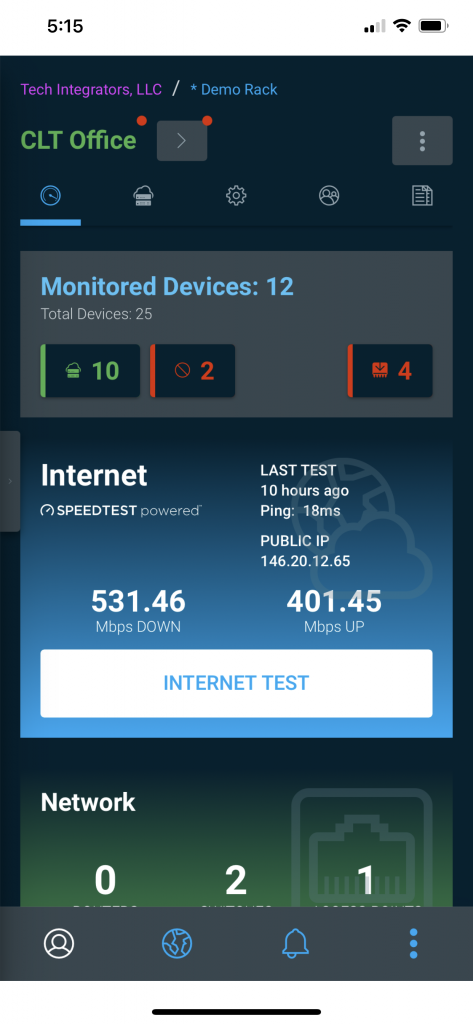
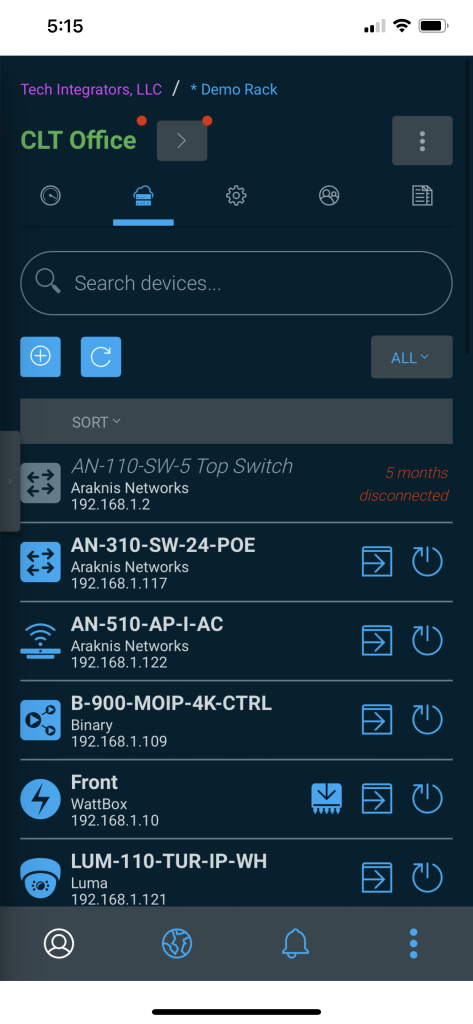
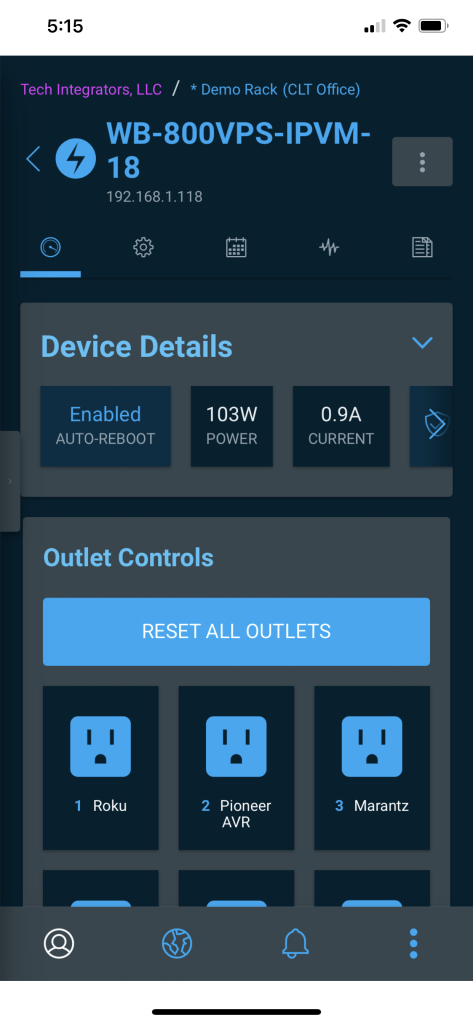
Every year, the Winter Solstice marks the darkest day of the year. In light of that (pun intended), the OvrC team would like to wish you all happy holidays with the gift of dark mode as a setting when using OvrC. This feature is available for both mobile versions (iOS and Android) as well as web and can be enabled on the User Settings page.
As dark mode becomes more prevalent on devices and applications, one can’t help but see the benefits of lowering the amount of blue light exposure while sitting in front of a computer all day. A more likely benefit is that you can now reboot that pesky cable box in the middle of the night, for your super demanding customer, without waking your spouse by lighting up the room with your phone. Either way, it’s a win!
We here on the OvrC team, hope that everyone has a safe, healthy, and service-call-free holiday season. May you all have uninterrupted time with your families and less eye fatigue while using OvrC.
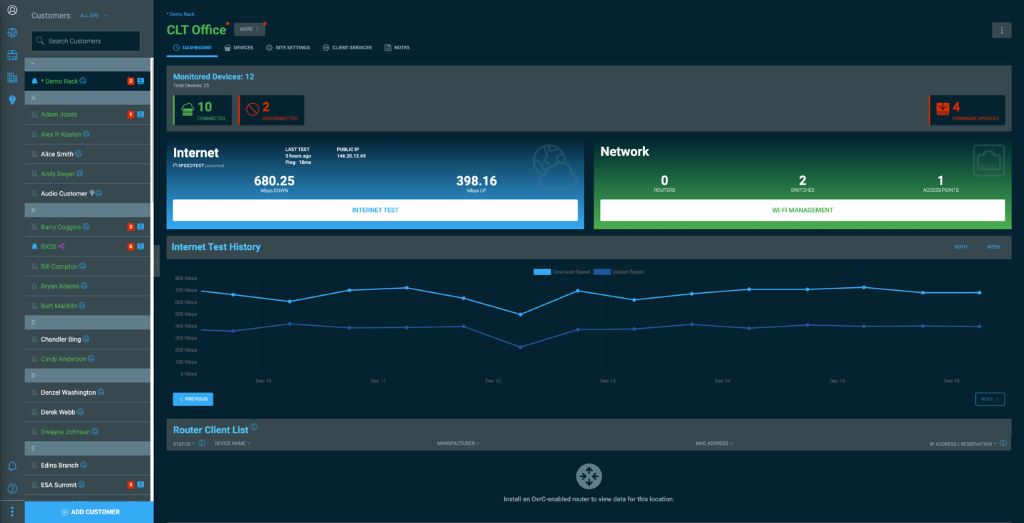
To enable dark mode:
(Note: dark mode settings will need to be set on Mobile separate from the web application.)
As always, we continue to evolve our product based on your feedback. Please continue to provide your thoughts and ideas to [email protected] or through the user feedback section of the web and mobile applications. Thanks!
Triad is coming soon to SnapAV! Designed, engineered, and manufactured for nearly four decades in Portland, Oregon, Triad provides dealers like yourself with custom solutions to expand your audio business to elite, high-end integrations. Every speaker is carefully designed and engineered with a full acoustic analysis in an anechoic chamber to give your customers an accurate and detailed audio experience. Plus, each model is built to your exact custom specs, matched to any paint color, wood veneer finish, and length and width, giving your customers the very best aesthetic. We will also be introducing our Triad Authorized Dealer Program, designed to help secure your success, with preregistration available now! For your next home cinema, surround sound, distributed audio, or outdoor install, look to Triad for the ultimate audio solution. Learn more.
We're excited to announce this end-of-year sale on select Reference Speakers by Klipsch, exclusively at SnapAV! From now through February 28, 2021, you'll get the lowest price on one of the best whole-house audio solutions on the market. These speakers feature horn-loaded technology to increase acoustic output while significantly reducing distortion, along with a pivoting IMG woofer and an aluminum tweeter that deliver stunning sound. Get yours while supplies last! Learn more.
https://player.vimeo.com/video/488673931
Watch this short video for important details on recent product launches, or click the links below to see the featured products directly.
We�re excited to launch Pro Control and its protected line of smart home solutions at SnapAV. Pro Control systems are a breeze to install and require minimal installer training, making it quick and easy to work this product line into your install portfolio. The Pro24.r remote provides an easy and effortless media room experience, while the Pro24.z remote offers a comprehensive smart home experience with a simple UI. Add in the ProPanel mobile app and you get a solution that covers every customer need. Learn more.
During select dates in December, we will be temporarily closing some of our warehouses in the US and Australia for for inventory purposes.
SnapAV Pro Stores are operating as normal for �will-call� pick up. Click here to find a local SnapAV Pro Store near you. If you need to place an emergency sales order during these dates, please contact our Partner Support team at 866-424-4489.
It will reopen the following day, December 15th, with a new address:
61 Assembly Drive
Dandenong South, VIC 3175
If you need to place an emergency sales order during these dates, please contact our Customer Support team at +61-3-8795-1700.
Please note that we may also experience shipping delays in the week following our warehouse closures. We hope this gives you enough time to plan orders accordingly.
We�re proud to announce that Volutone, a SnapAV Pro Store, is coming to Scottsdale, Arizona this January! Volutone stores stock the entire SnapAV product catalog, in addition to a huge selection of third-party brands including Sony, Samsung, LG, Sonos, Klipsch, Lutron, Luxul, Eero, Ring, Yamaha, QSC, DSC, 2GIG and more. Get ready now to shop and pick up products at Volutone Scottsdale this January by filling out the Volutone authorization form, and we�ll get you an account number and login information within 24 hours. Learn more.
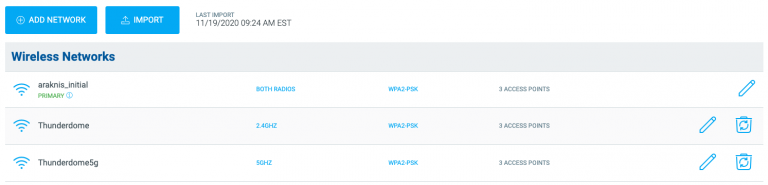
This update includes improvements to Wi-Fi Management and several small bug fixes. The updated web application is available now. Updates to the mobile are waiting on final approval from Android and Apple. Please stay on the lookout for notifications prompted on your mobile device to update your OvrC app.
As always, we continue to evolve our product based on your feedback. Please continue to provide your thoughts and ideas to [email protected] or through the user feedback section of the web and mobile applications. Thanks!
Snap Pro Live may be over, but you can still watch everything from our virtual event right here on our site! All of our sessions, including the Leadership Keynote Address, Industry Pro Panels, and Technical & Product training courses are now available here on SnapAV.com for you to watch, re-watch, and share with your techs whenever it�s convenient for your schedule. Watch Now.
https://player.vimeo.com/video/473884563
Watch this short video for important details on recent product launches, or click the links below to see the featured products directly.